Boards and tasks
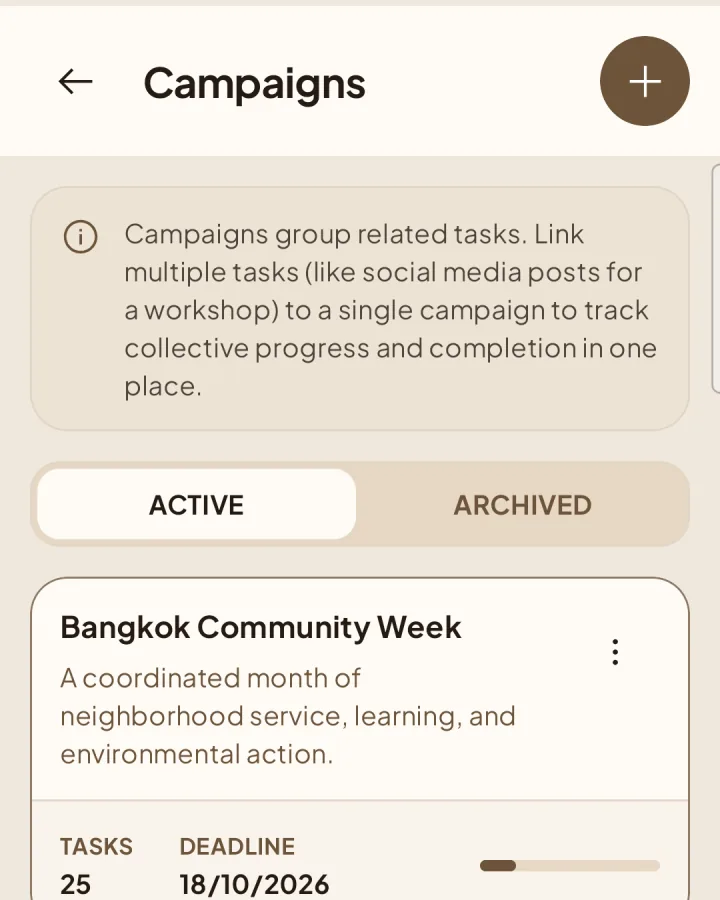
Group tasks with campaigns
Connect related tasks across different boards and projects.
Create a campaign
Open Boards → Campaigns.
1Choose New Campaign.
Add a clear name and optional description, then save.
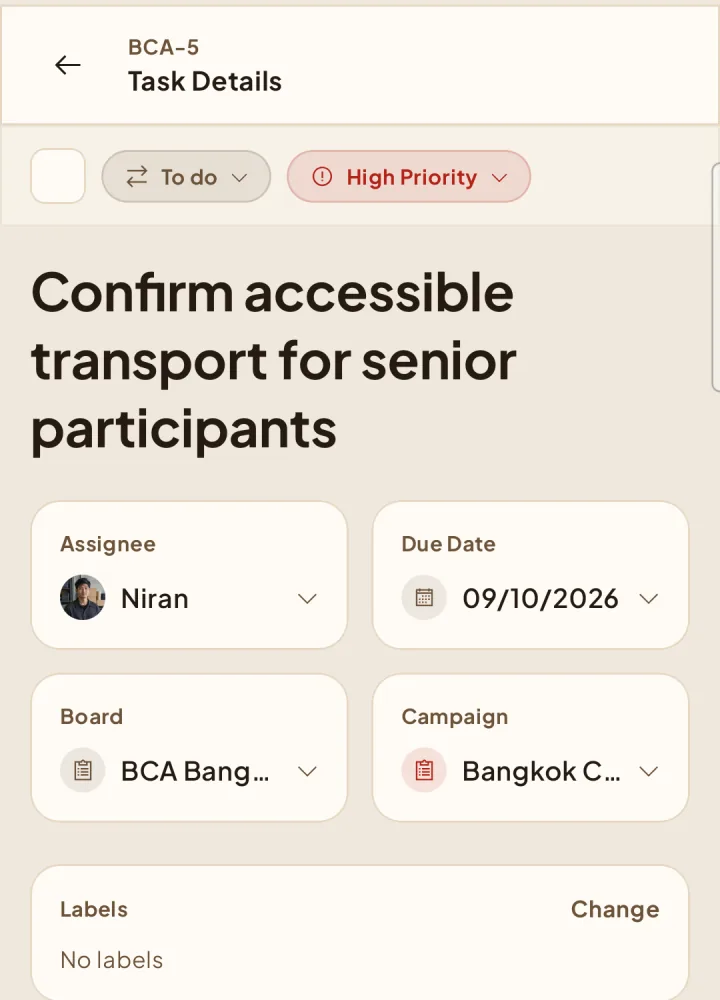
Use a campaign
2Select the campaign when creating or editing a task. A campaign belongs to the workspace, so it can connect tasks from multiple accessible boards and projects.
What campaigns do today
Campaigns currently provide grouping and filtering. Campaign dashboards and visual analytics are planned for the future and are not available yet. Archived campaigns remain visible on existing tasks but cannot be selected for new work.