Projects
Work inside a project
Use one project space for the team, roadmap, meetings, channels, boards, and KPIs.
From idea to active project
Create the project draft, add the required idea, impact, KPI, goals, team, and roadmap information, then submit it. Impact review happens first; Organization review follows. Approved projects move to On-going.
Project resources
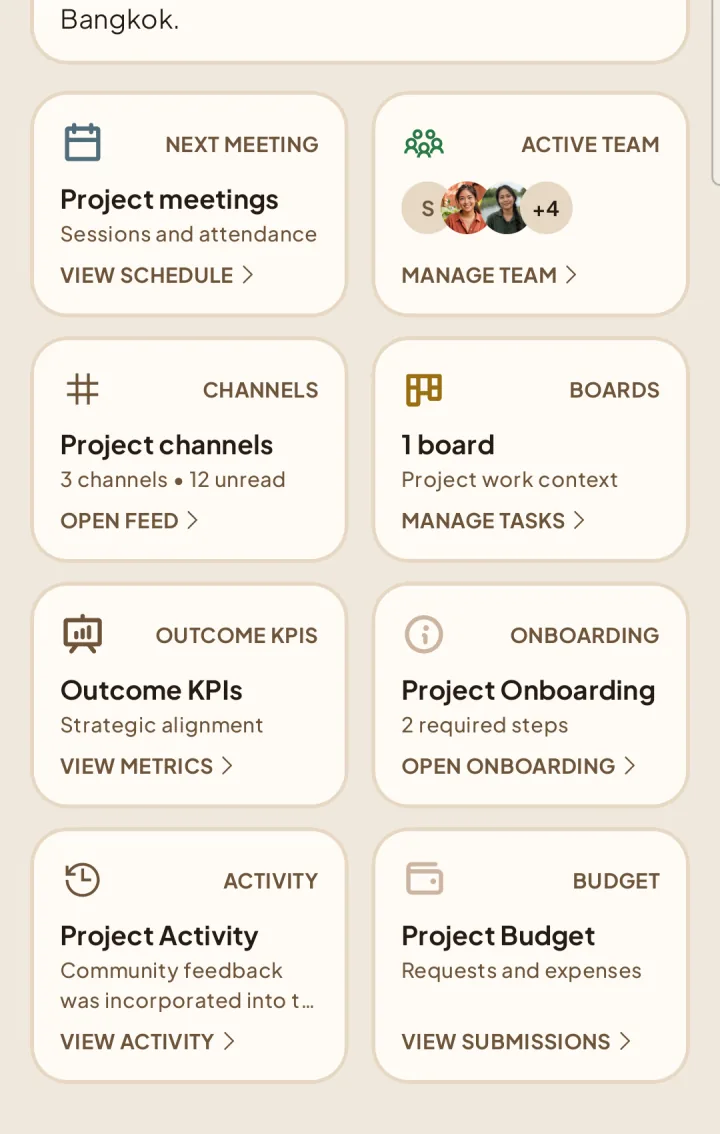
Each active project brings together its accepted team, project channels, Team-only or Hub-visible boards, meetings, roadmap, health, KPIs, metrics, budget, and activity history.
Project Lead responsibilities
The Project Lead manages the team and roadmap, creates project work and meetings, updates KPIs and health, handles onboarding, and submits budget and closing information. Available actions change with the project lifecycle.