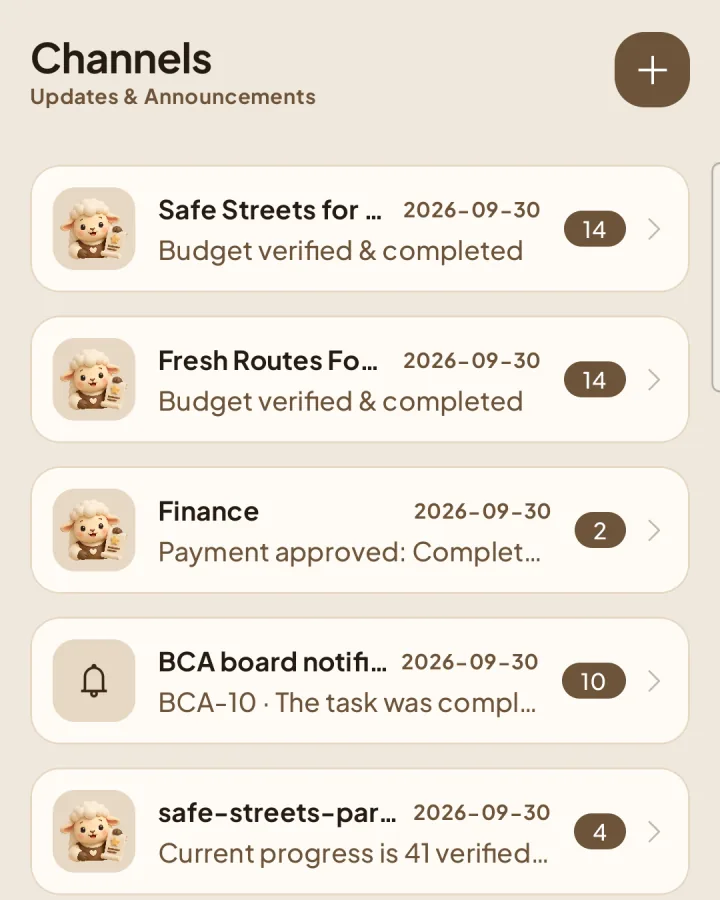
Channels
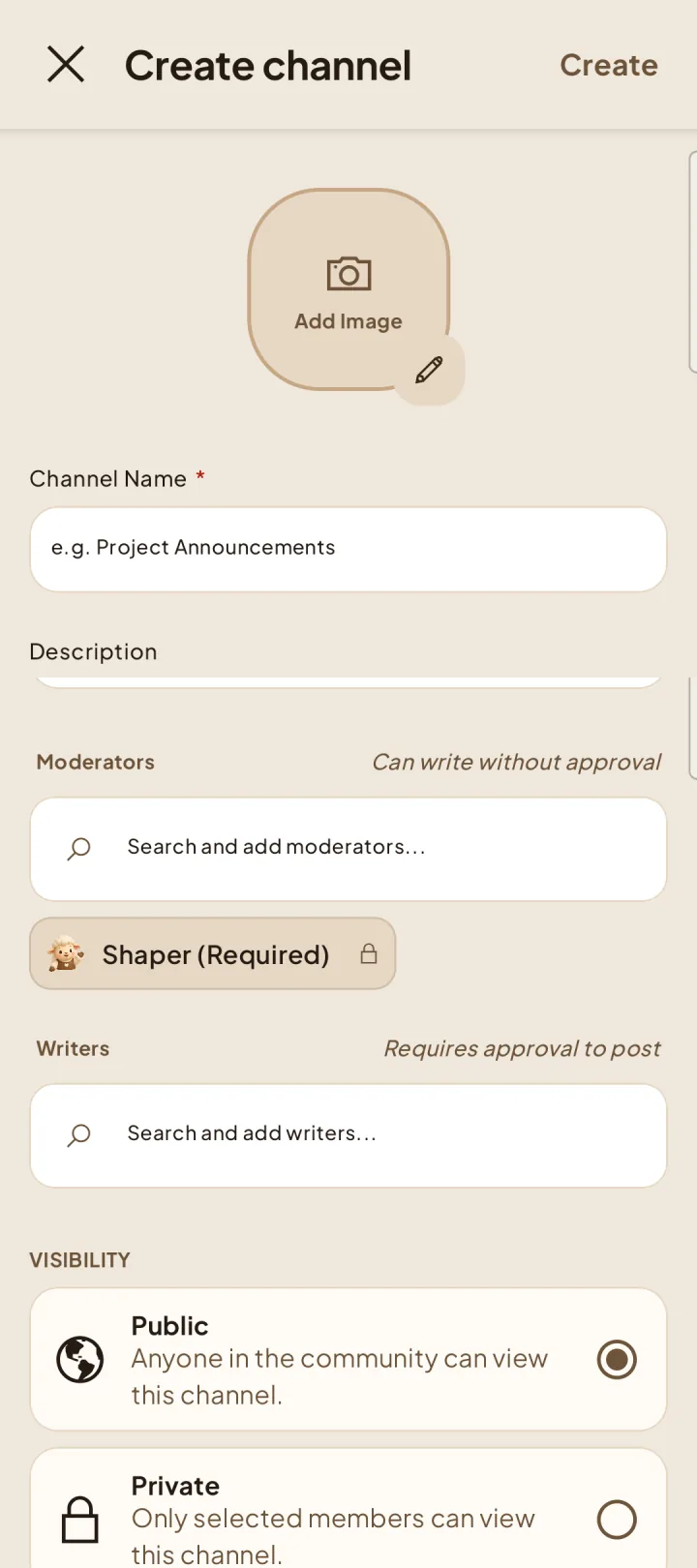
Create a channel
Choose the people who publish directly and those who submit messages for review.
Create the channel
Moderators and writers
Moderators publish directly and review writer submissions. Writers can submit messages only in channels where they are assigned. A person cannot be both a moderator and writer in the same channel.
Readers
Active members can read approved messages in channels they can access. Pending, changes-requested, and rejected messages remain visible only to the writer and channel moderators.