User profile
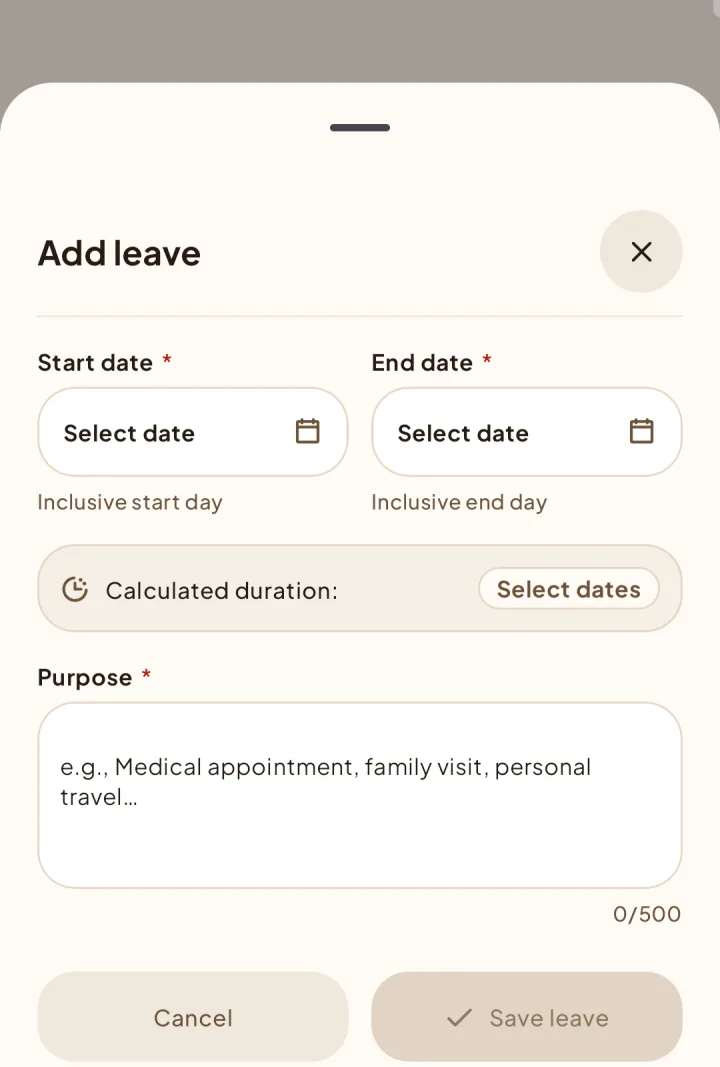
Add leave
Show teammates when you are unavailable while keeping the reason private.
Record leave
What teammates see
Members can see your current and future leave dates and an On leave indicator. The purpose is hidden from regular members and visible only to you and eligible users.
Edit or remove leave
You can edit or delete an entry only before it starts. Current and past leave stays read-only.