User profile
Complete your profile
Add the information teammates need when choosing the right person for work.
Open your profile
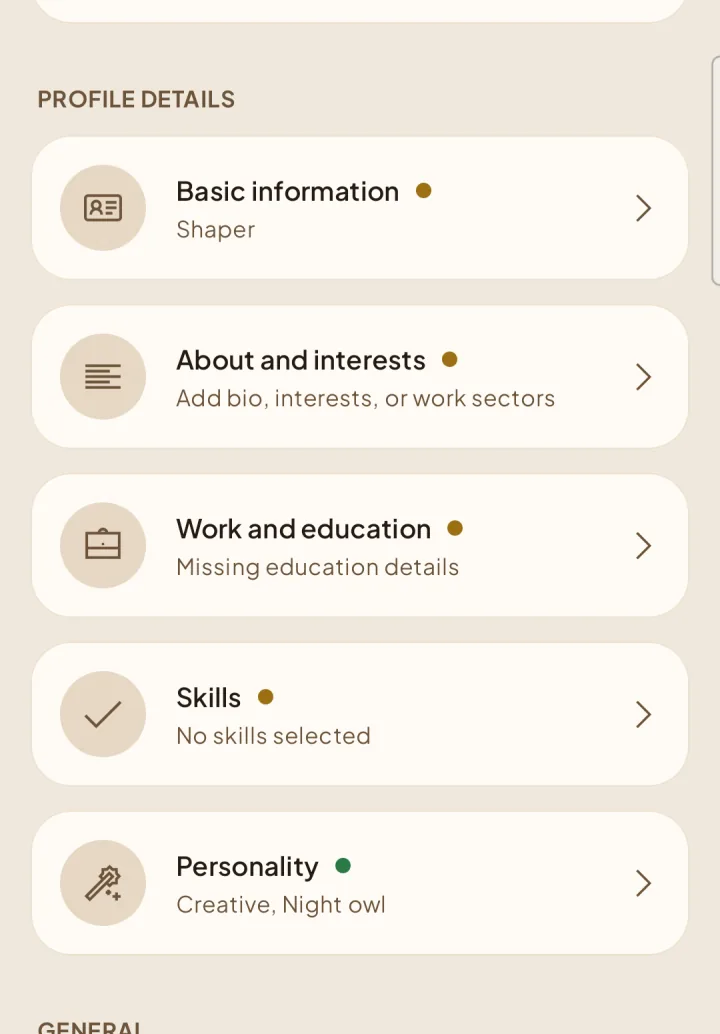
Open Settings and choose your profile. Your photo and profile preview are at the top; scroll to Profile details to update what teammates see.
Add the essentials
Keep private details private
Use the available visibility controls for profile details such as your birth year. Account and security settings remain separate from your member profile.