Workspaces
Join an invited workspace
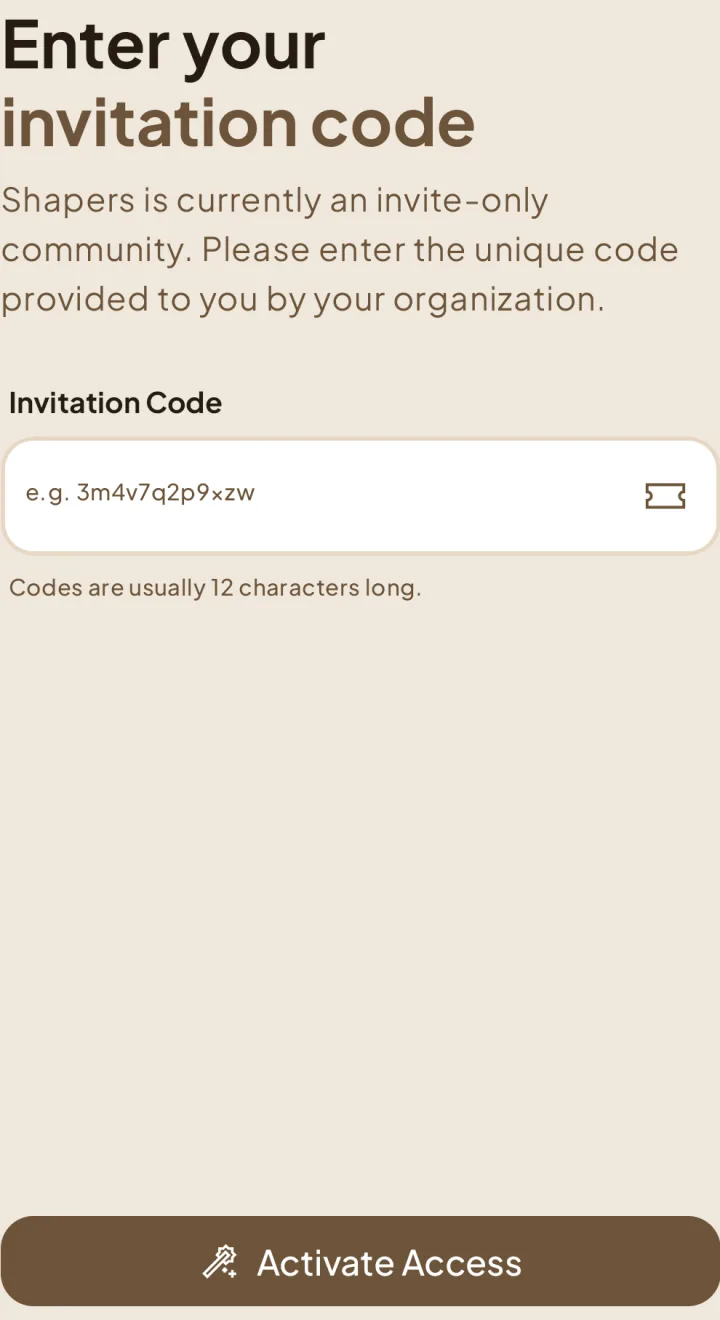
Use your invitation code to enter someone else’s workspace.
Activate your invitation
Finish signing in
After the code is accepted, sign in to your existing account or complete registration if you are new to Shapers. Follow the account steps to enter the invited workspace.
Missing or invalid code?
Check your spam folder and make sure you copied the complete code. If the invitation is expired, revoked, or still unavailable, ask the person who invited you for help.
How to invite members