Workspaces
Enter your workspace
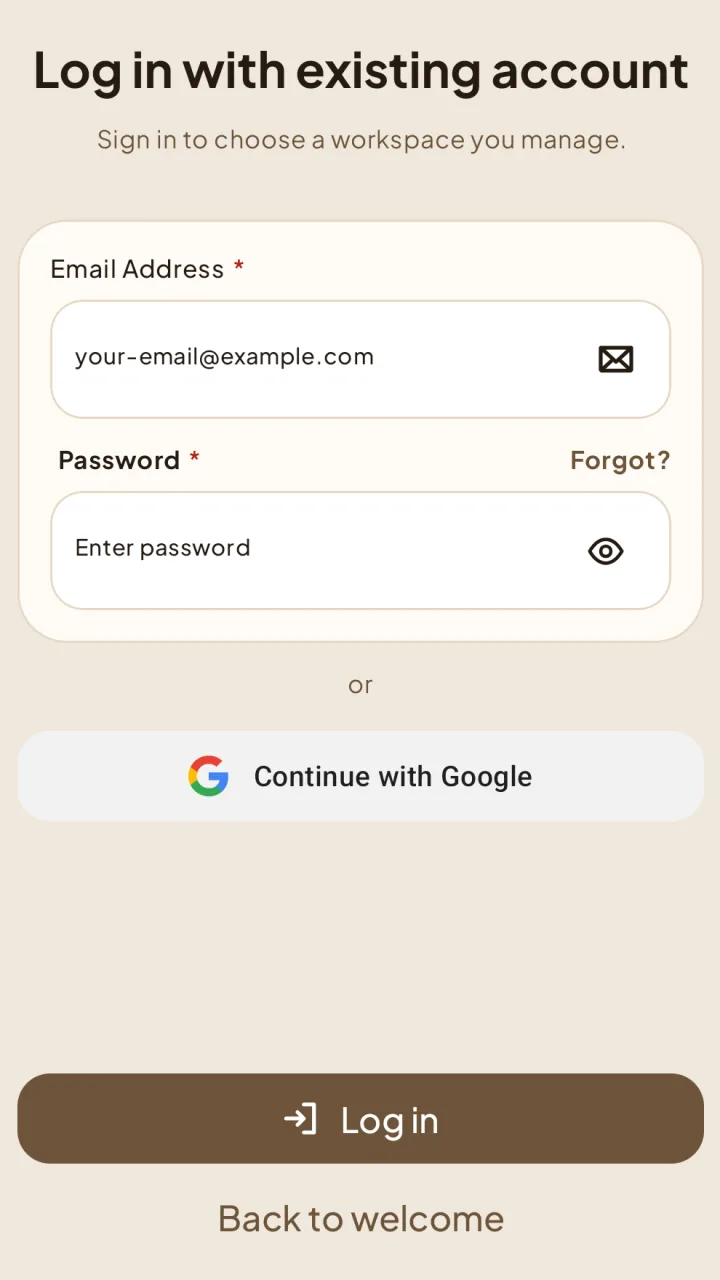
Sign in and open a workspace you own or manage.
Sign in as an owner
Choose your workspace
After signing in, select your workspace from Your workspaces to open it.
Workspace missing?
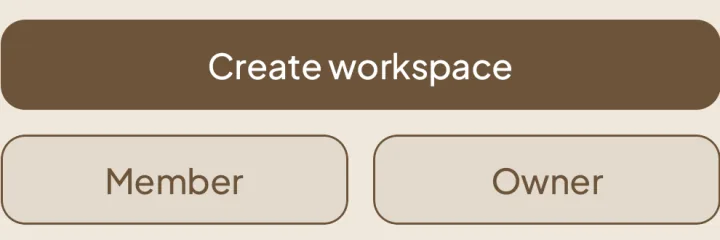
Check that you signed in with the right account. If you were invited as a member, return to the welcome screen and choose Member instead.
Join an invited workspace