Meetings
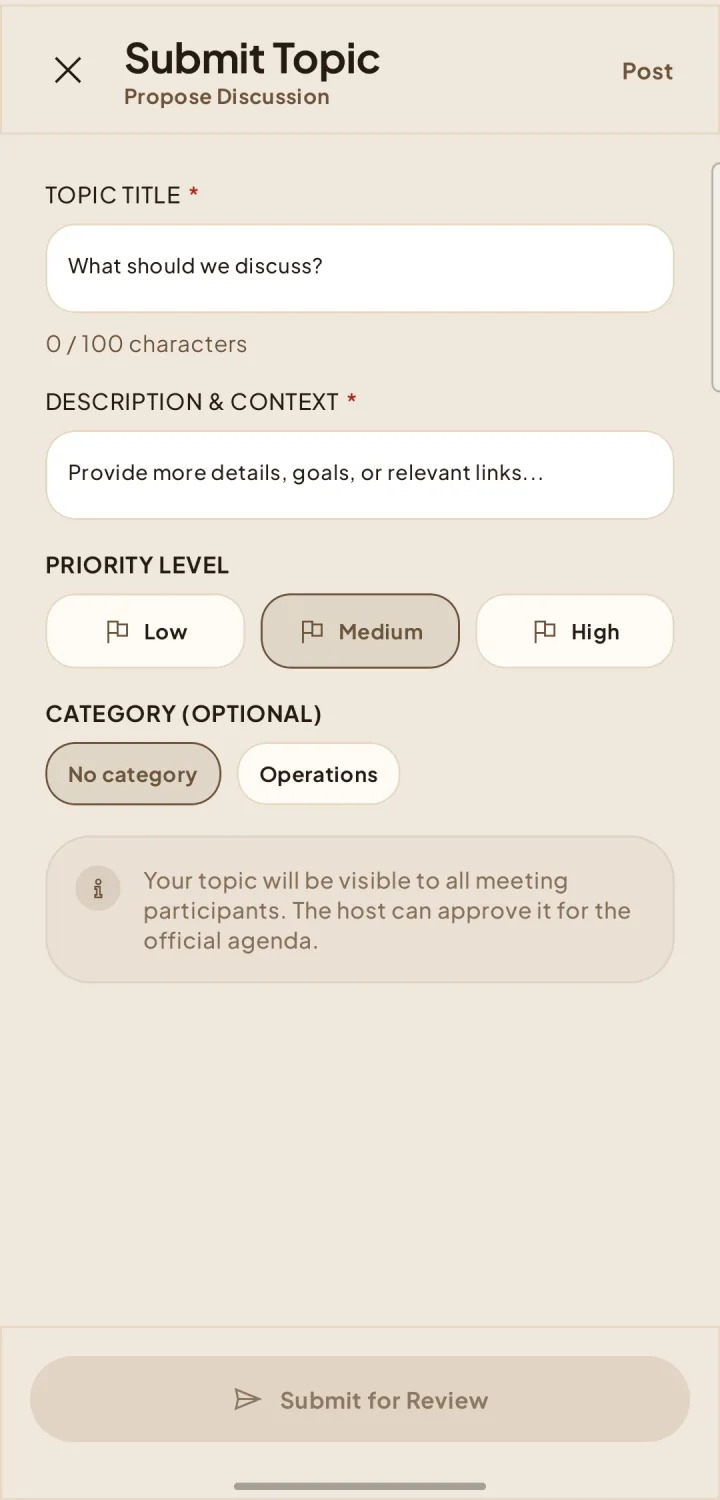
Submit meeting topics
Suggest discussion topics and help shape the agenda before the meeting.
Submit a topic
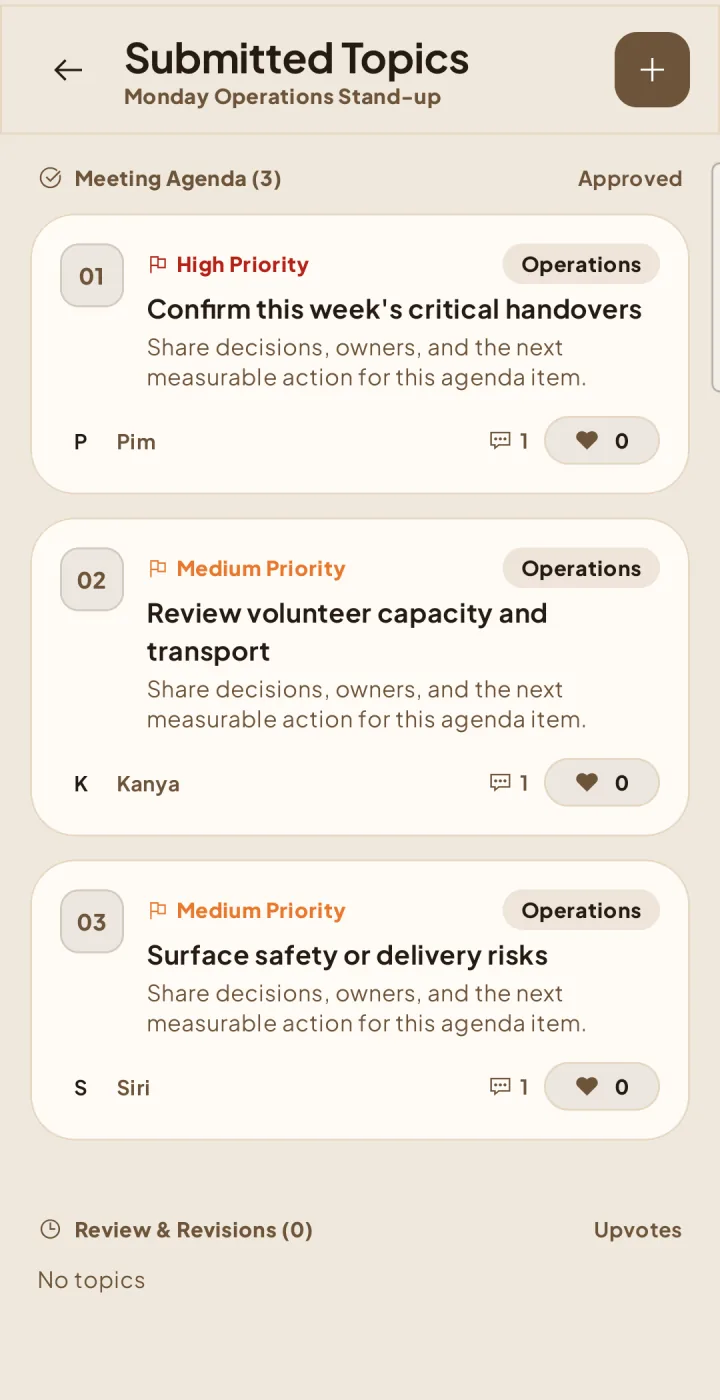
Follow the agenda
4Open View Topics. Approved topics appear in Meeting Agenda; items still being reviewed or revised stay in Review & Revisions. When enabled, members can upvote topics. The meeting creator or assigned host can reorder the approved agenda while the meeting is editable and at least two approved topics exist: press and hold a topic card, then drag it to its new position.