Boards and tasks
Create boards and tasks
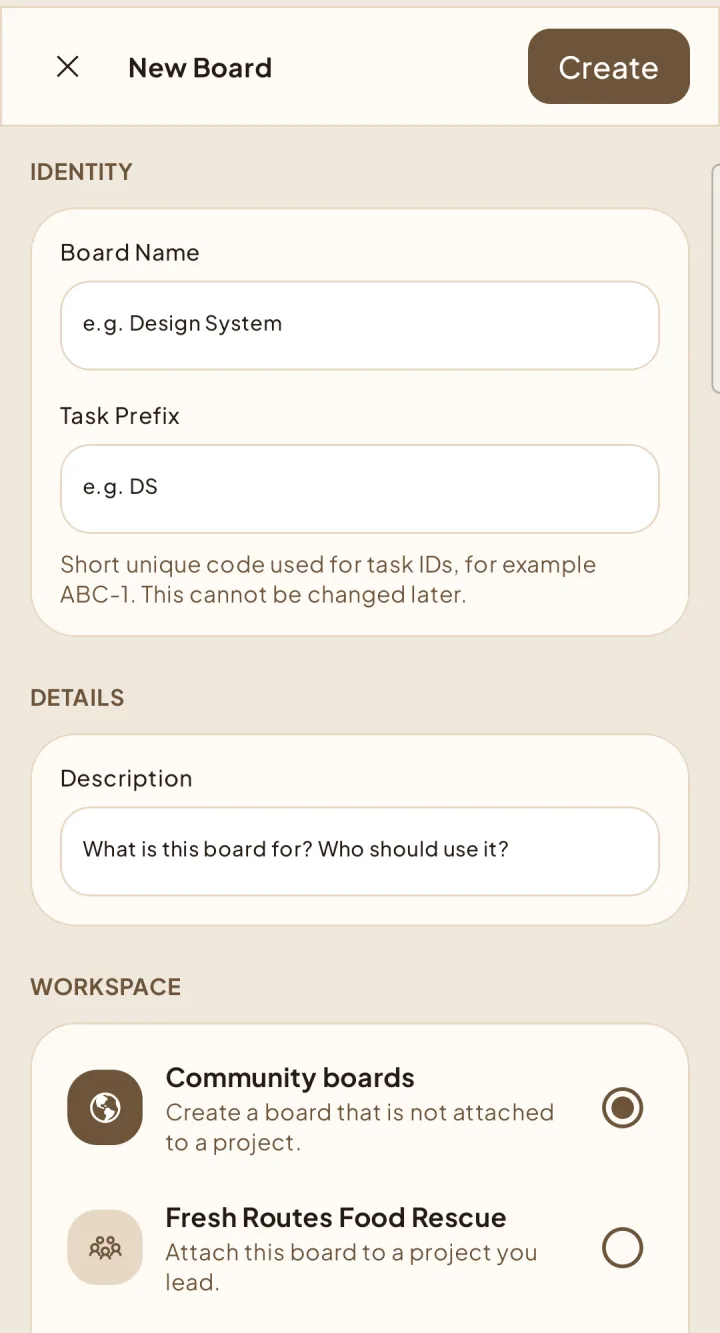
Choose who can see a board, then turn work into clear tasks.
Create a board
Create a task
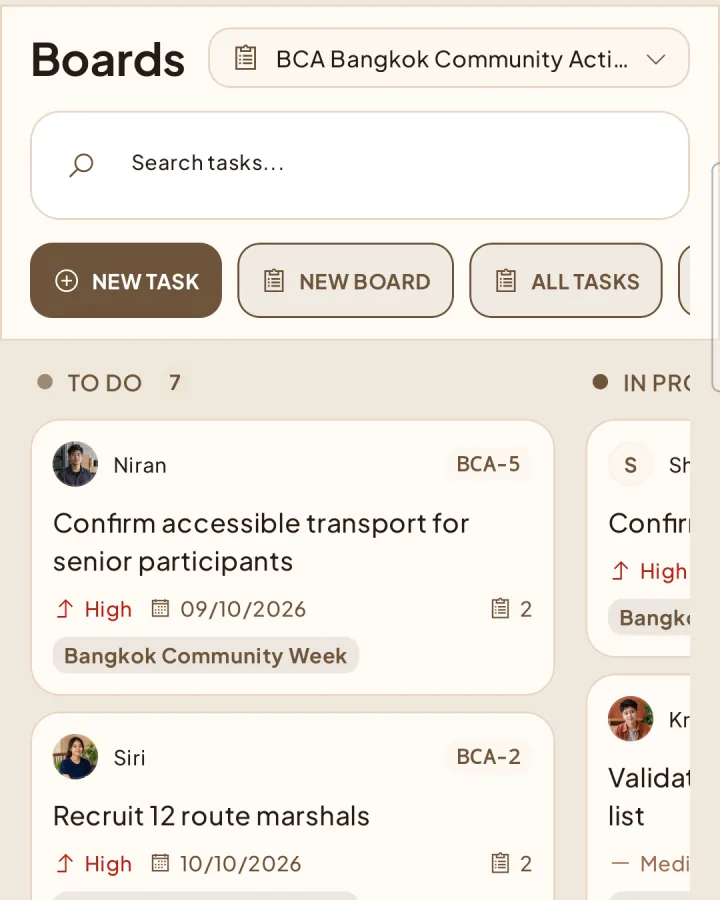
4Open the target board and choose New Task.
Add the task details, assignee, campaign, checklist, and reviewers you need.
Save it in To Do, then move it through In Progress and review.
Who can see and create
Public boards are readable by active workspace members. Private boards require explicit access. Project boards follow project membership and visibility. Shapers always uses the capabilities returned by the server rather than assuming access from a role name.