Members
Invite members
Send an invitation, check its delivery, or revoke an unused invitation.
Send an invitation
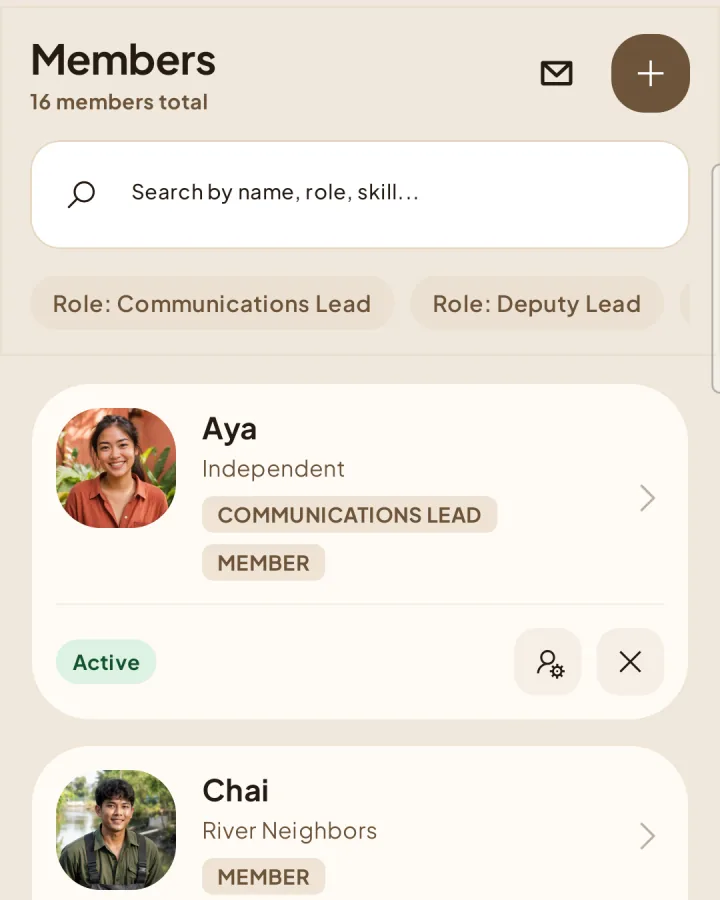
Open Members.
1Press the plus button.
Enter the person’s email and send the invitation. Shapers automatically emails the invitation code to that address.
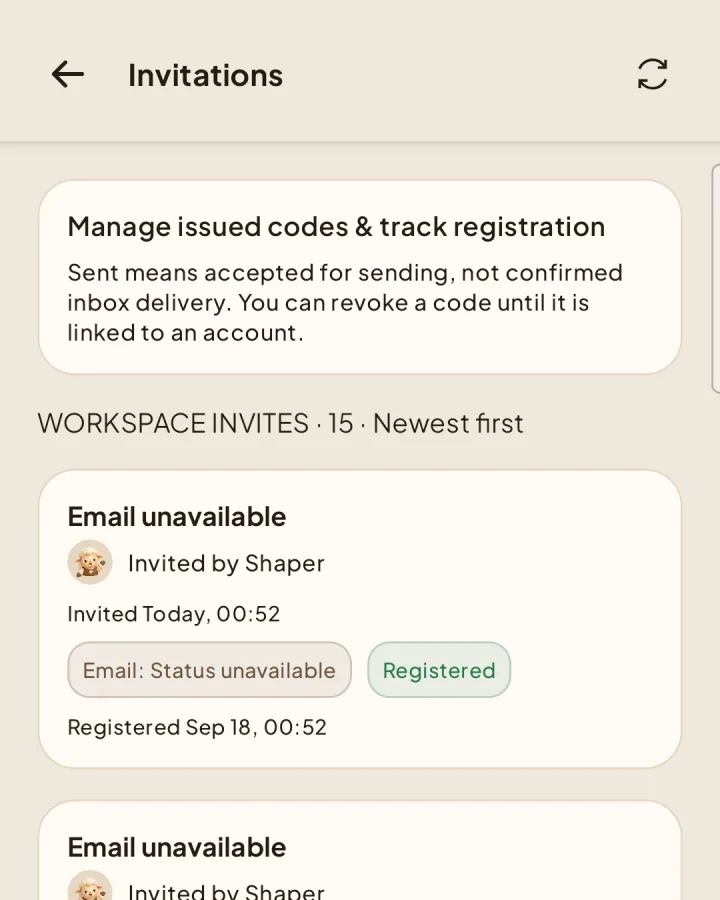
Find sent invitations
2Invitations is the main button at the top of Members. Open it to see the recipient, inviter, time, delivery status, and whether registration is still pending.
Revoke an invitation
3Select an invitation that is still active, choose Revoke, and confirm. Registered, already-linked, or otherwise inactive invitations cannot be revoked.