Workspaces
Create a workspace
Set up a shared space for your team and become its Organization Lead.
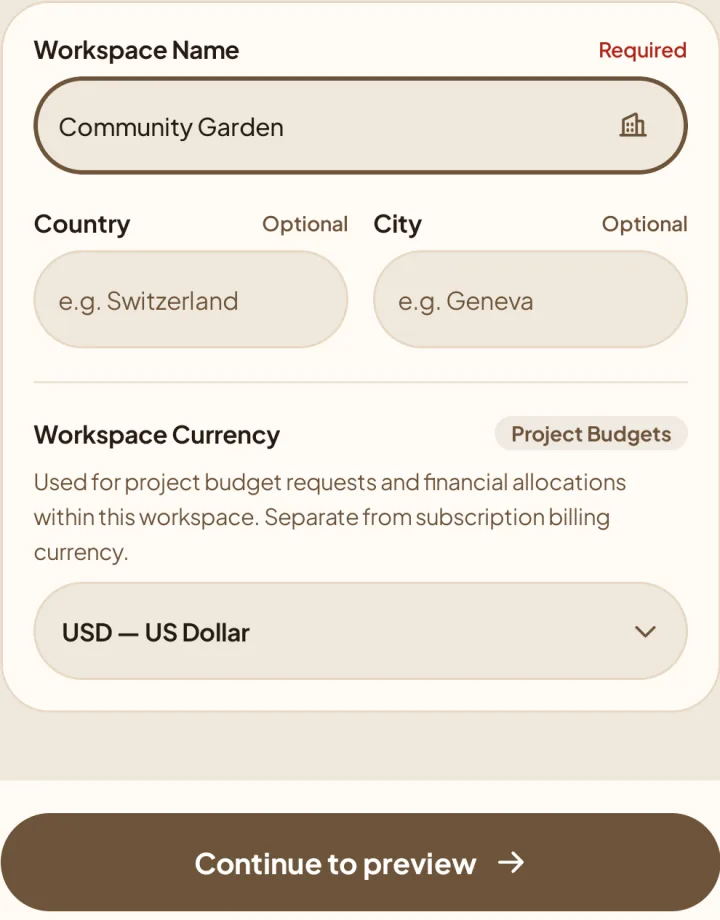
Add workspace details
Review and finish
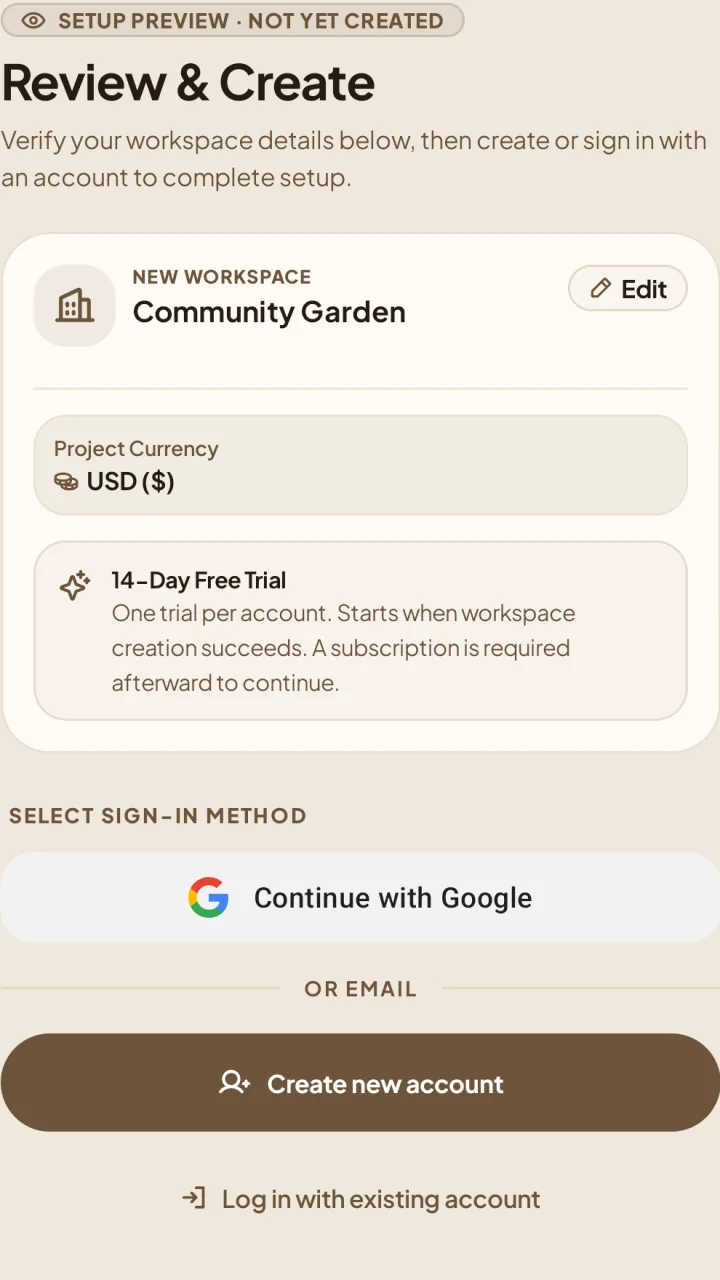
5Check the Review & Create summary. Tap Edit to change your details; the workspace is not created yet.
6Choose Create new account, Log in with existing account, or an available sign-in provider.
Complete the account and verification steps shown, then finish setup. Your workspace opens when creation succeeds.
If setup is interrupted
Use the retry option on the setup screen instead of creating another workspace.