Projects
Set up project onboarding
Give every newly accepted teammate the same clear first steps.
Prepare onboarding
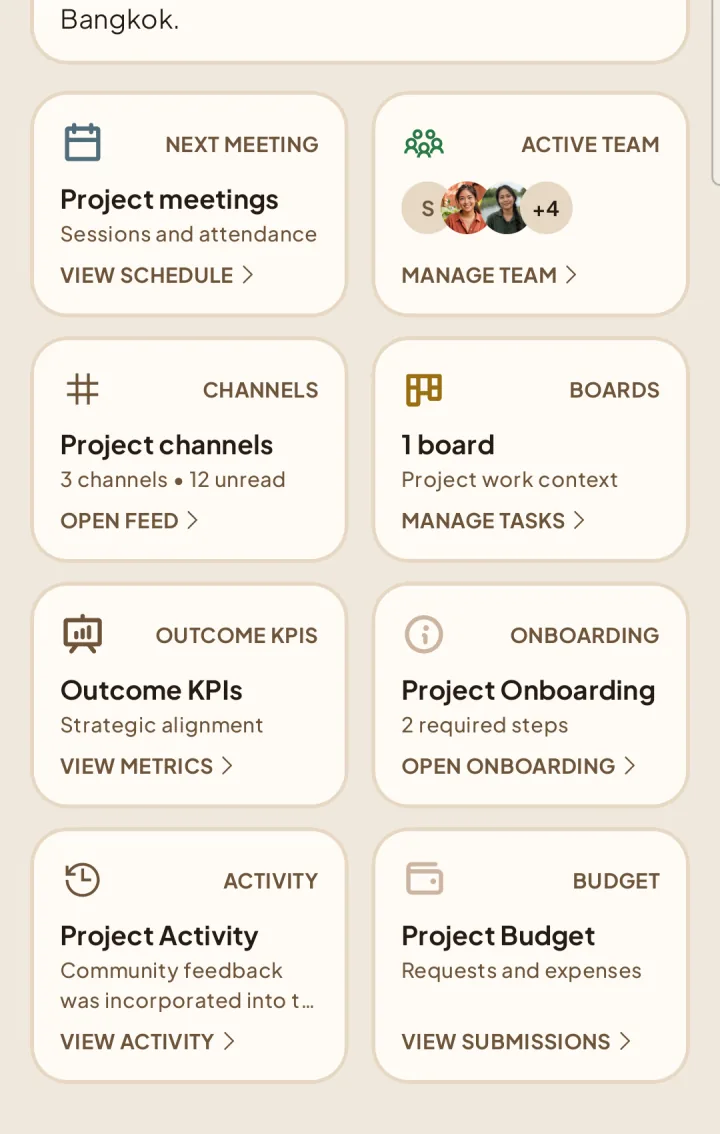
1Open the project and choose Onboarding.
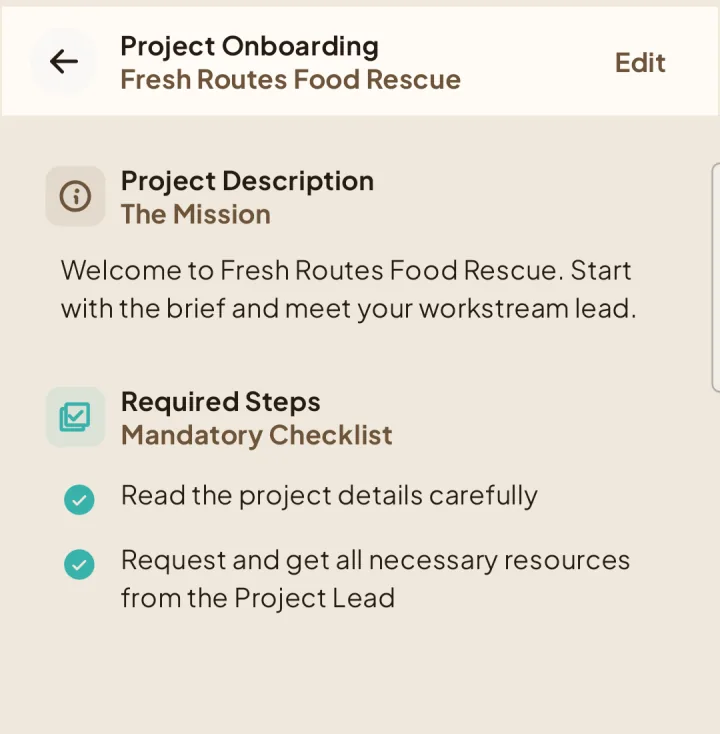
Write the welcome description and required steps.
Save the onboarding setup before inviting new teammates.
Automatic onboarding task
When a new invitation is accepted during an On-going project, Shapers creates a fresh task on the Team-only onboarding board. It is assigned to that member, has no reviewer, and is due seven days after acceptance.
Membership changes
Removing a member cancels their unfinished generated onboarding task. A later accepted re-invitation creates a new task from the onboarding setup that is current at that time.