Projects
Request and verify project budget
Request funds, provide spending evidence, and keep a complete review trail.
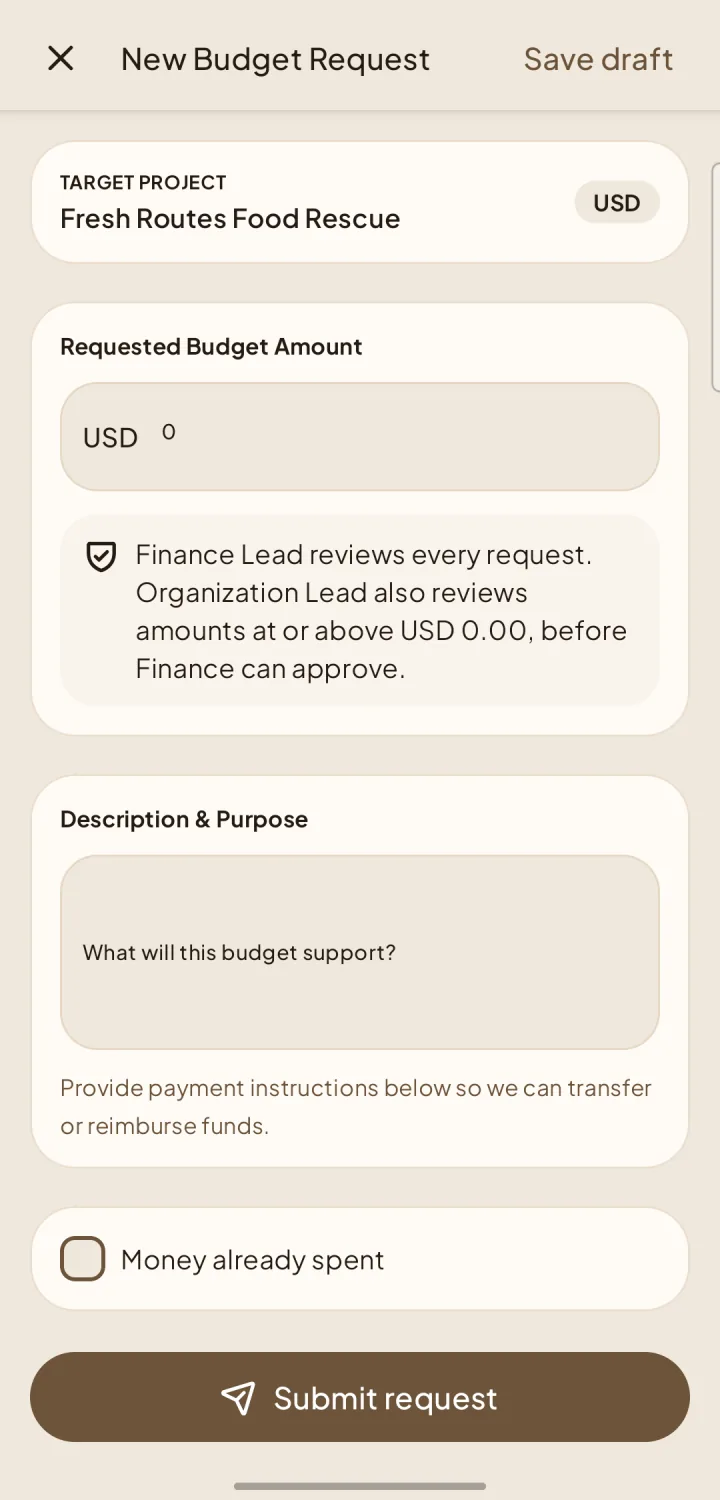
Create the request
Approval order
Finance always reviews. Requests at or above the workspace threshold require Organization approval first. Finance approval of an advance also requires proof that the full approved amount was transferred.
Submit spending evidence
For an advance, submit actual spending and receipts. Return unused funds using the instructions saved with the request and attach proof of the return payment. Reimbursement for overspending, when chosen, requires proof of transfer from Finance.
Corrections and audit history
Every rejection requires a comment and supports correction and resubmission. Evidence stays private to the Project Lead and authorized Organization/Finance reviewers, and decisions remain in the request history for audit.